Tool Modification
We are proposing a way to replace and manipulate tool(gripper) of manipulator to take advantage of OpenMANIPULATOR-X for a wider range of applications. Try the new application using the Pen holder or Vacuum gripper as shown in the example below, and create your own tool to challenge more applications.
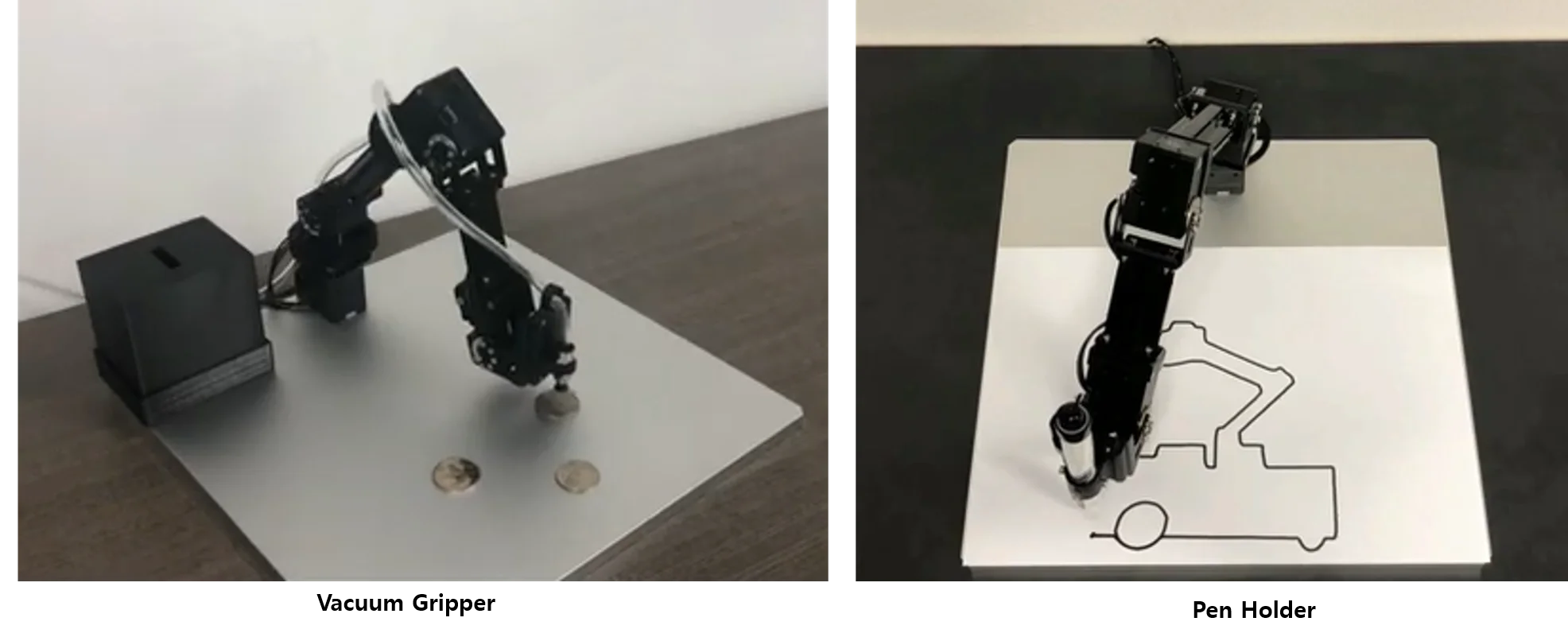
Vacuum Gripper
Video
Hardware Setup
Remove normal gripper of OpenMANIPULATOR-X and install a vacuum gripper. You can download the STL file of the vacuum gripper from the link in the table below, and print it to the 3D printer.
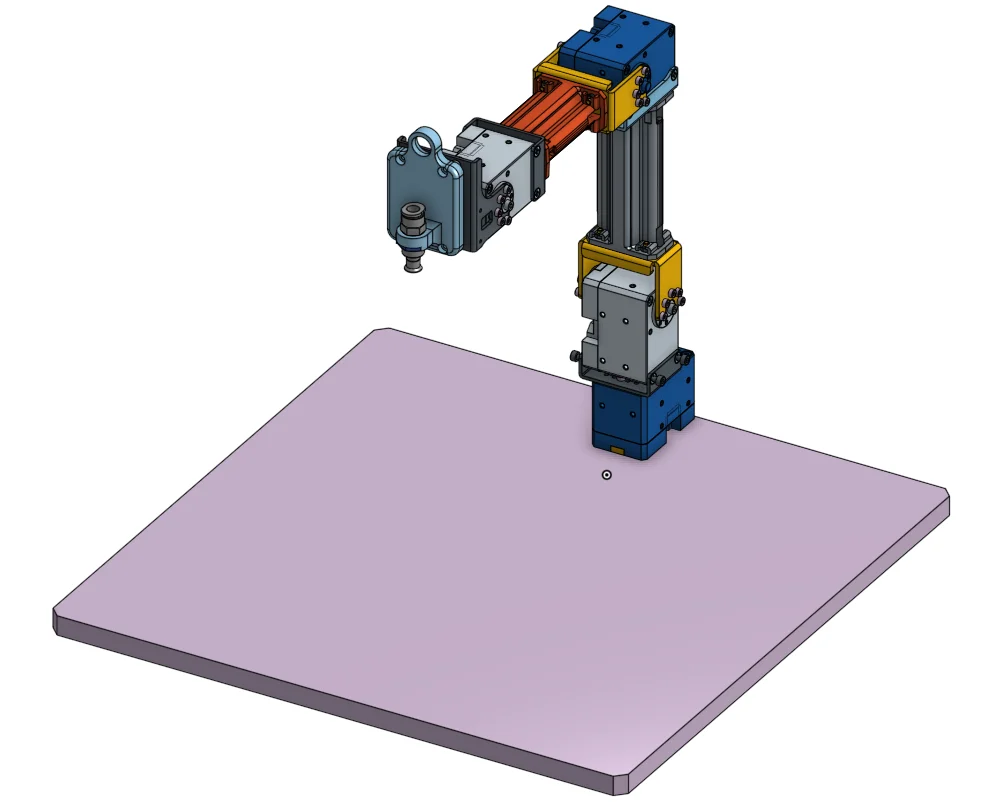
Set vacuum gripper system referring Instrucables page.
- Part List
| Part Name | Quantity | Link | |
|---|---|---|---|
| 3D Printed Tool Part | Vacuum Holder | 1 | Download Link |
| Vacuum System | ARDUINO 4 RELAYS SHIELD | 1 | shop Link |
| . | 12V Air Pump Motor | 1 | shop Link |
| . | UD0640-20-C (Air Tube 6Ø) | 1 | shop Link |
| . | UD0860-20-C (Air Tube 8Ø) | 1 | shop Link |
| . | MSCNL6-1 (Coupling 6Ø) | 1 | shop Link |
| . | MSCNL8-1 (Coupling 8Ø) | 2 | shop Link |
| . | MVPKE8 (Suction Cup) | 1 | shop Link |
| . | MHE3-M1H-3/2G-1/8 (Control Valve) | 1 | shop Link |
| . | NEBV-Z4WA2L-P-E-2.5-N-LE2-S1 (Cable for Valve) | 1 | shop Link |
Software Setup
Please refer the detailed description of [OpenCR Setup](/docs/systems/openmanipulator_x/quick_start_guide#communication-interface)
Download Arduino IDE and load OpenCR board on it
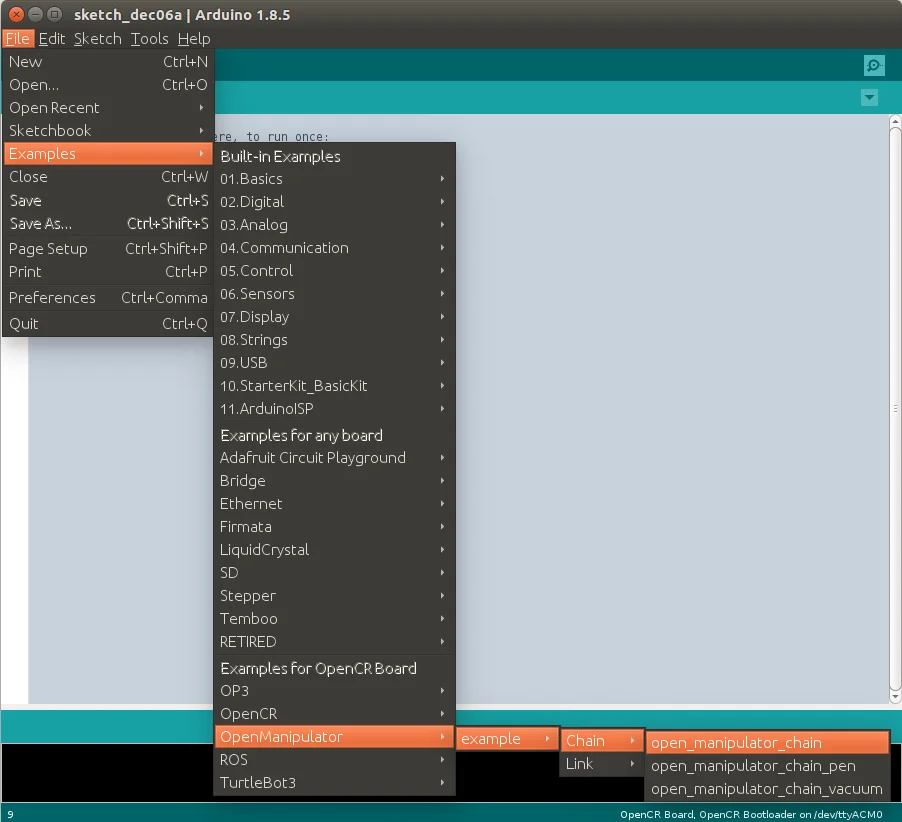
Find example source codes.
Go to Examples → OpenManipulator → example → Chain → open_manipulator_chain_vacuum on Arduino IDE for OpenCR.
WARNING :
Please check each joint position before running OpenMANIPULATOR-X. It might stop operation because of joint position out of range.
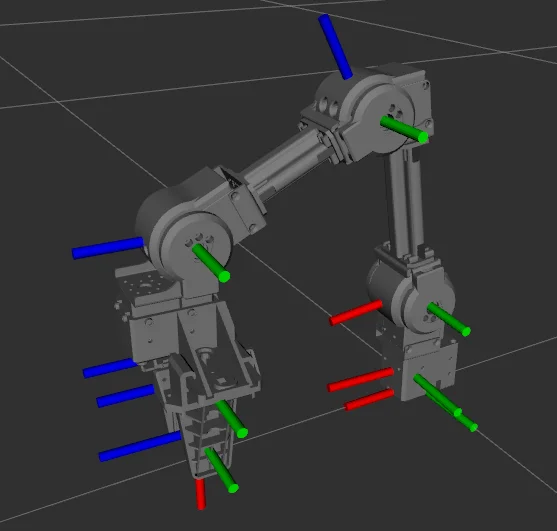
The picture on the below is showing you the ideal pose of OpenMANIPULATOR-X. Please adjust each joints along with the following picture when DYNAMIXEL torque isn't enabled.
Pen Holder
Video
Hardware Setup
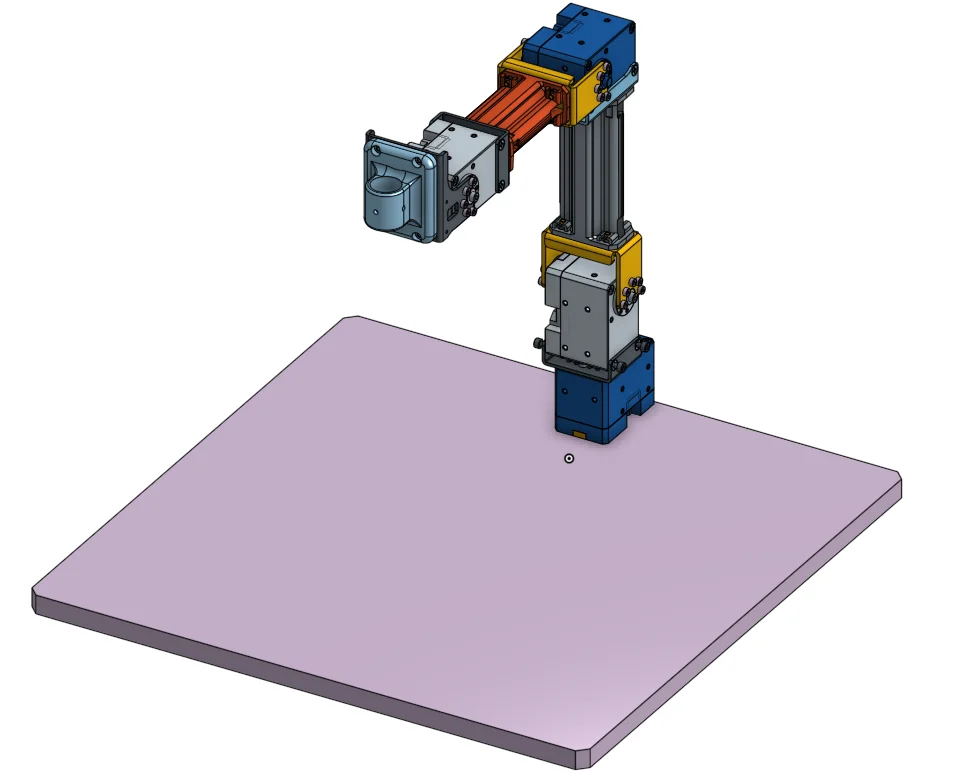
Remove normal gripper of OpenMANIPULATOR-X and install a pen holder. You can download the STL file of the pen holder from the link in the table below, and print it to the 3D printer.
- Part List
| Part Name | Quantity | Link | |
|---|---|---|---|
| 3D Printed Tool Part | Pen Holder | 1 | Download Link |
Software Setup
Please refer the detailed description of [OpenCR Setup](/docs/systems/openmanipulator_x/quick_start_guide#communication-interface)
Download Arduino IDE and load OpenCR board on it
Find example source codes.
Go to Examples → OpenManipulator → example → Chain → open_manipulator_chain_pen on Arduino IDE for OpenCR.
WARNING :
Please check each joint position before running OpenMANIPULATOR-X. It might stop operation because of joint position out of range.
The picture on the below is showing you the ideal pose of OpenMANIPULATOR-X. Please adjust each joints along with the following picture when DYNAMIXEL torque isn't enabled.