noVNC
Use noVNC to open a remote desktop in the browser and run graphical tools such as Dynamixel Wizard 2.0 on OMX without attaching a separate display or laptop.
info
OMX runs on the user PC, so you can also run Dynamixel Wizard 2.0 directly on the host. If you prefer to use the preconfigured container environment, use noVNC to run Dynamixel Wizard 2.0 inside the container.
Start the noVNC container, then open the Dynamixel Wizard 2.0 icon on the remote desktop.
- Click the Start control at the top of the page to start the noVNC container.
- Reload the page, for example press F5.
- Open the Dynamixel Wizard 2.0 icon on the desktop.
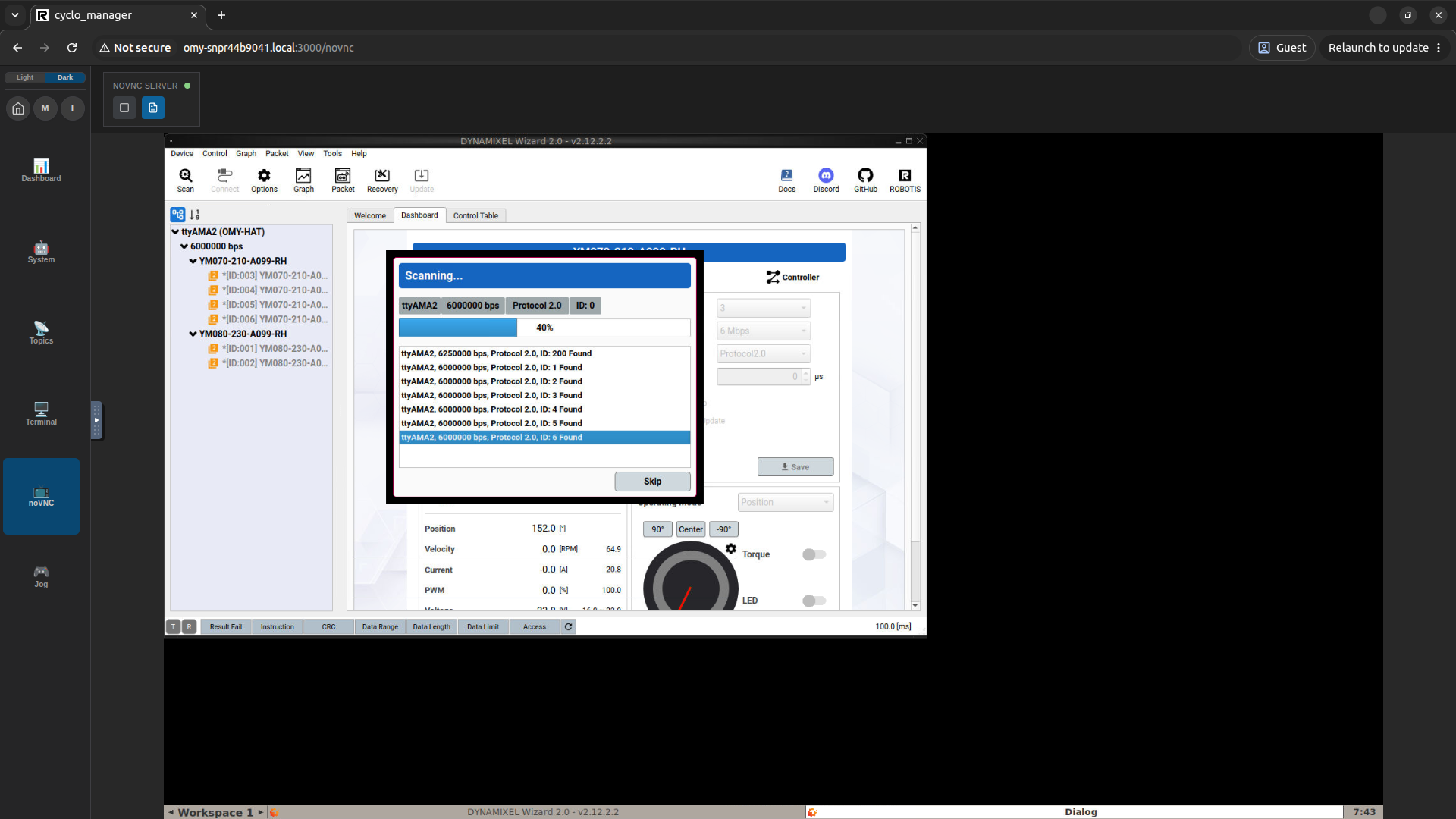
You can diagnose and control motors in the browser without attaching a display or laptop to OMX.