Install Cyclo Manager
After Cyclo Manager is installed and set up once, it starts automatically when the robot boots. For OMX, Cyclo Manager runs on the user's PC because the OMX robot stack runs on the user's PC. After the PC is set up, you only need to open Cyclo Manager from your browser.
Cyclo Manager runs inside Docker containers. The Python package cyclo-manager on PyPI provides the cyclo_manager CLI, which uses Docker images and Compose to bring up and configure the container stack.
How to Install
Cyclo Manager runs on the user PC for OMX. Install it on the PC that will run the OMX Docker containers.
- Install the Python package
cyclo-manageron the user PC.
pip install cyclo-manager
- Add the CLI to your
PATHand set up the Cyclo Manager environment.
export PATH="$HOME/.local/bin:$PATH"
cyclo_manager up
After you run cyclo_manager up once to set up the environment, Cyclo Manager keeps running unless you run cyclo_manager down.
You do not need to run cyclo_manager up again after powering the robot off and on.
Use the cyclo_manager CLI from your terminal:
cyclo_manager up   # optional: --pull to fetch the latest images from the registry
cyclo_manager down
cyclo_manager update
-
cyclo_manager up:- Registers a host-agent systemd service so it always runs.
- Creates and starts the cyclo_manager API and cyclo_manager_ui containers.
- Creates the zenoh-daemon and novnc-server containers.
-
cyclo_manager down:- Stops and removes the containers created by
cyclo_manager up. - Removes the host-agent service from systemd.
- Stops and removes the containers created by
-
cyclo_manager update:- Upgrades the
cyclo-managerpackage with pip. - Stops the running containers and starts new ones with the updated stack.
- Restarts the host-agent service.
- Upgrades the
Open the Cyclo Manager Web UI
Open the Cyclo Manager web UI on port 3000 in your browser.
If you open the web UI on the same user PC, use localhost.
If you open it from another device on the same network, use the user PC's IP address.
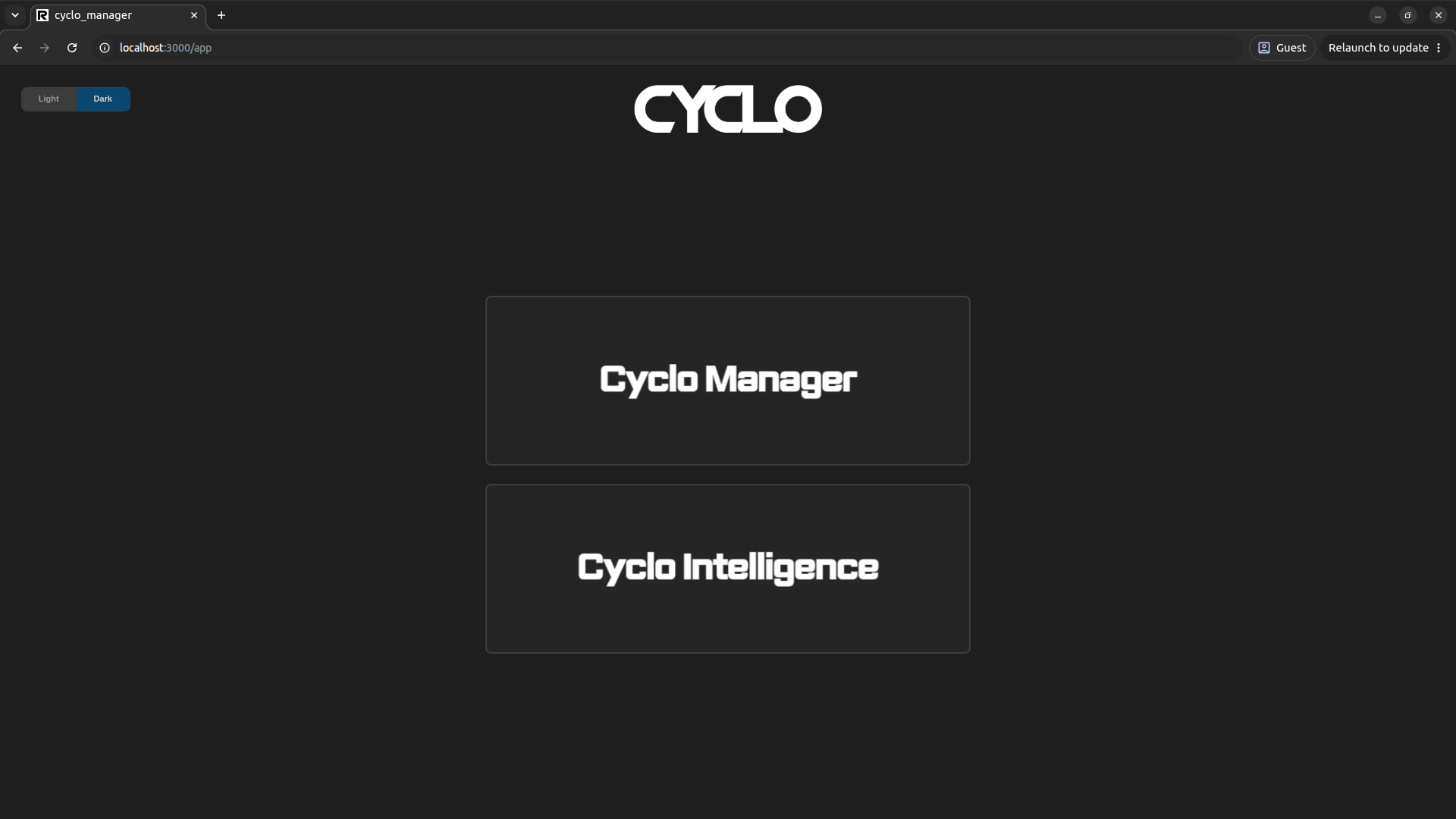
From the main page, open the Cyclo Manager dashboard.
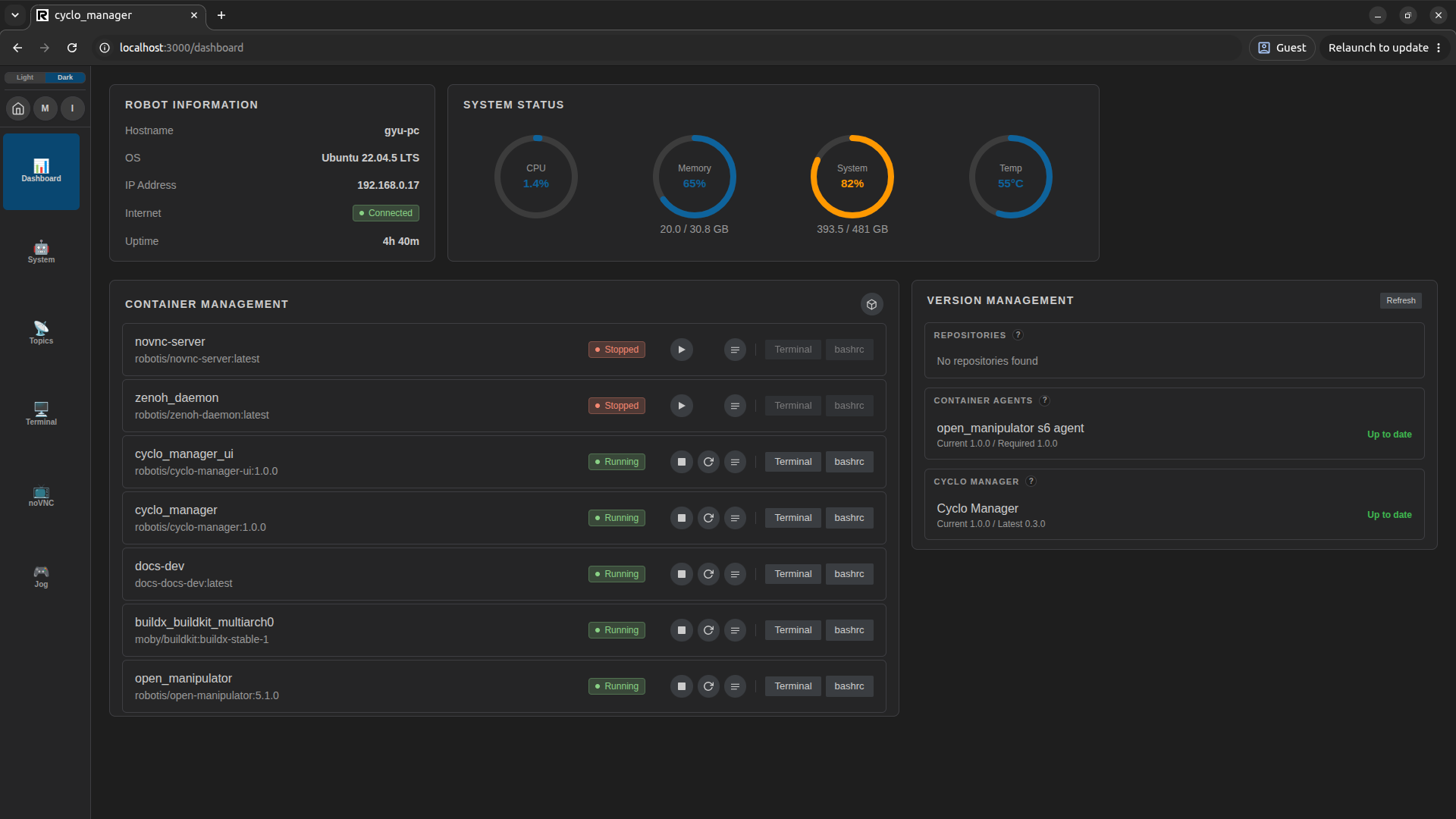
Update the s6 Agent
After the first installation, the s6 agent inside a managed container may not match the installed Cyclo Manager version. If the container agent and Cyclo Manager are not compatible, some Cyclo Manager operations may not work as expected.
Check the Container Agents section in Version Management after opening the dashboard. If an agent update is available, update the s6 agent before using Cyclo Manager for regular operation. For details, see Agent Update.