noVNC
Use noVNC to open a remote desktop in the browser and run graphical tools such as Dynamixel Wizard 2.0 on the AI Worker without attaching a separate display or laptop.
Start the noVNC container, then open the Dynamixel Wizard 2.0 icon on the remote desktop.
- Click the Start control at the top of the page to start the noVNC container.
- Reload the page (for example press F5).
- Open the Dynamixel Wizard 2.0 icon on the desktop.
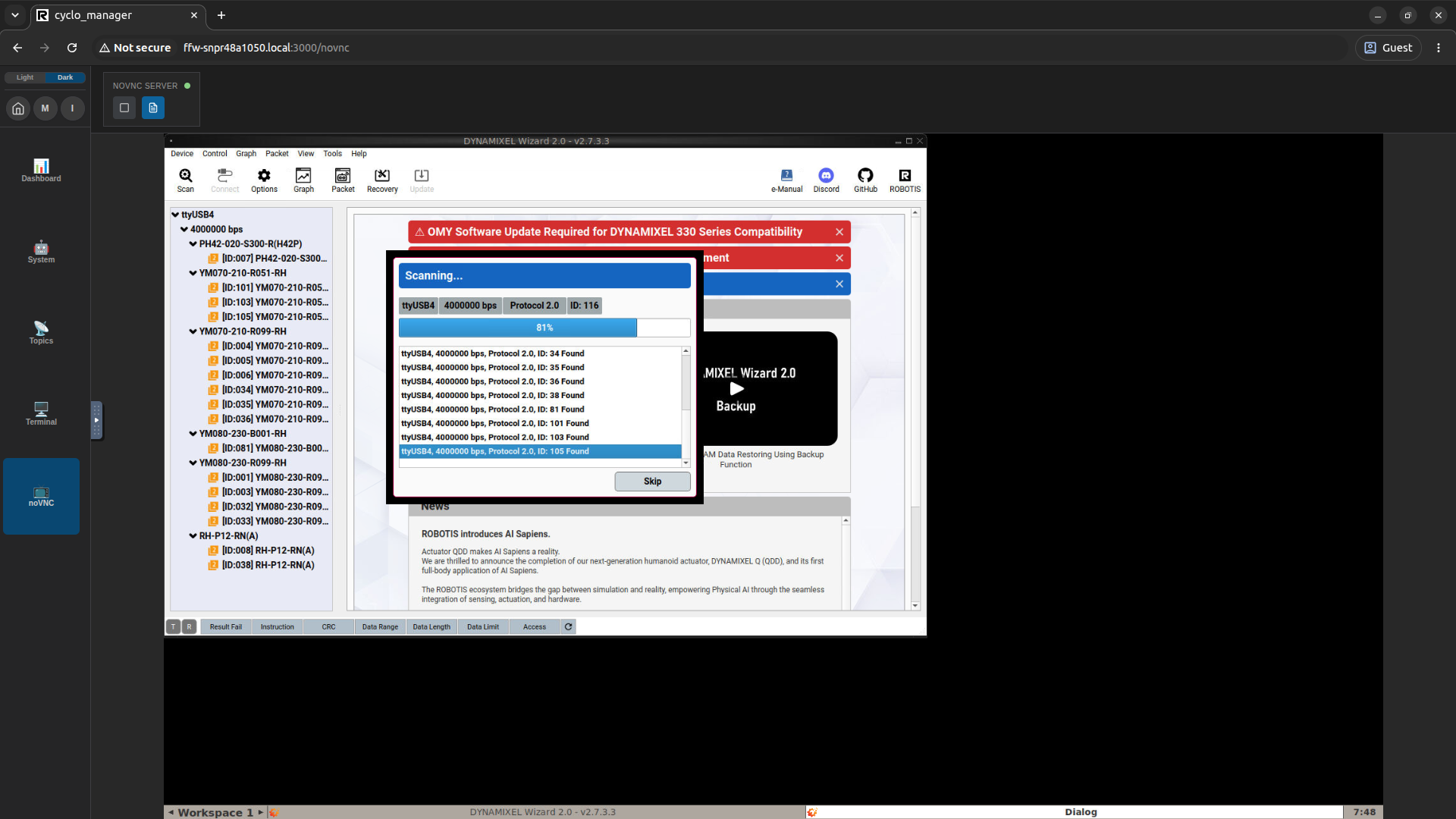
You can diagnose and control motors in the browser without attaching a display or laptop to the AI Worker.