How to SSH into the Robot
AI Sapiens supports mDNS, allowing you to connect without manually checking the IP address.
-
Connect the robot's SBC (onboard PC) to the same network as your PC using a LAN cable.
-
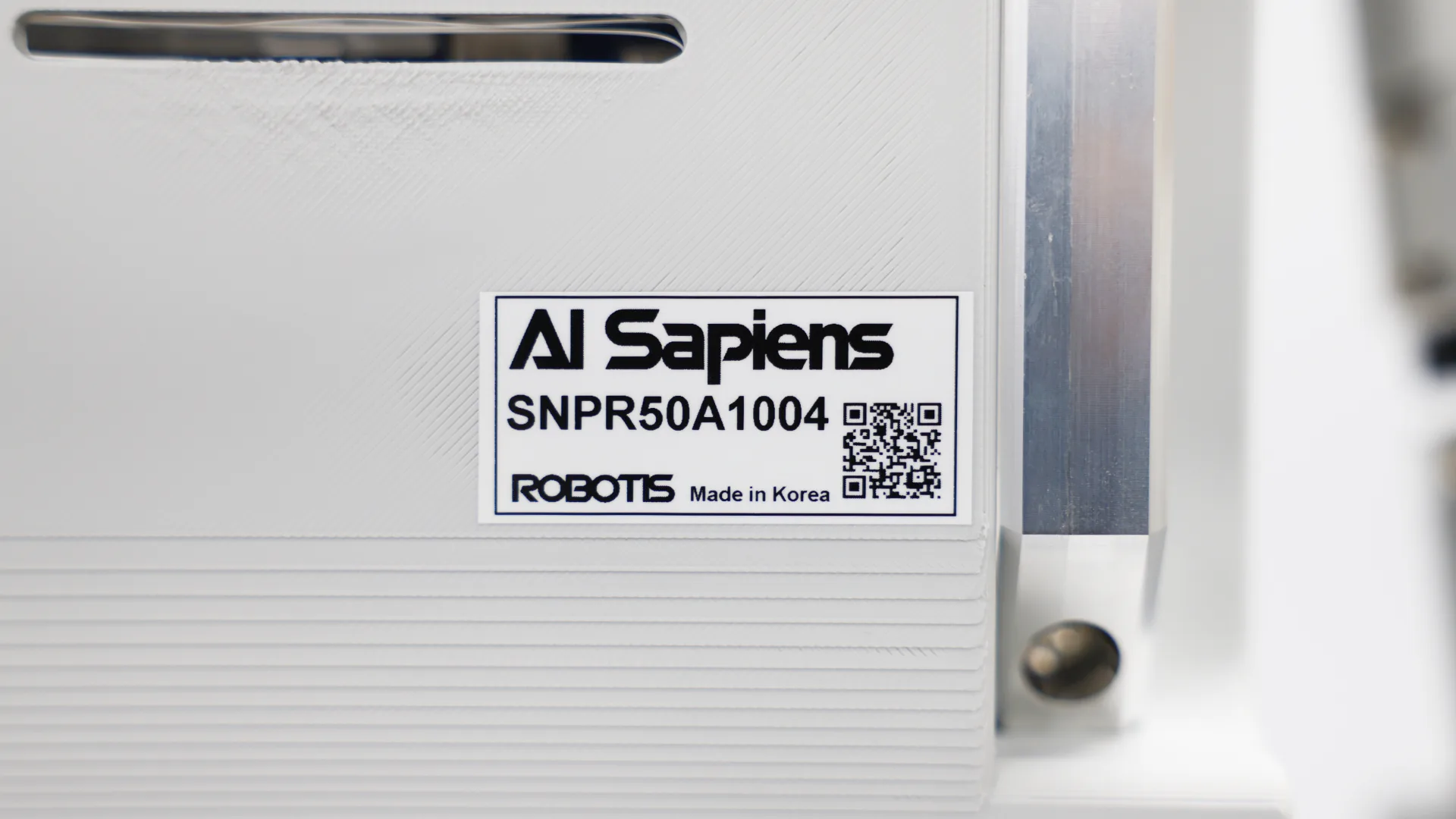
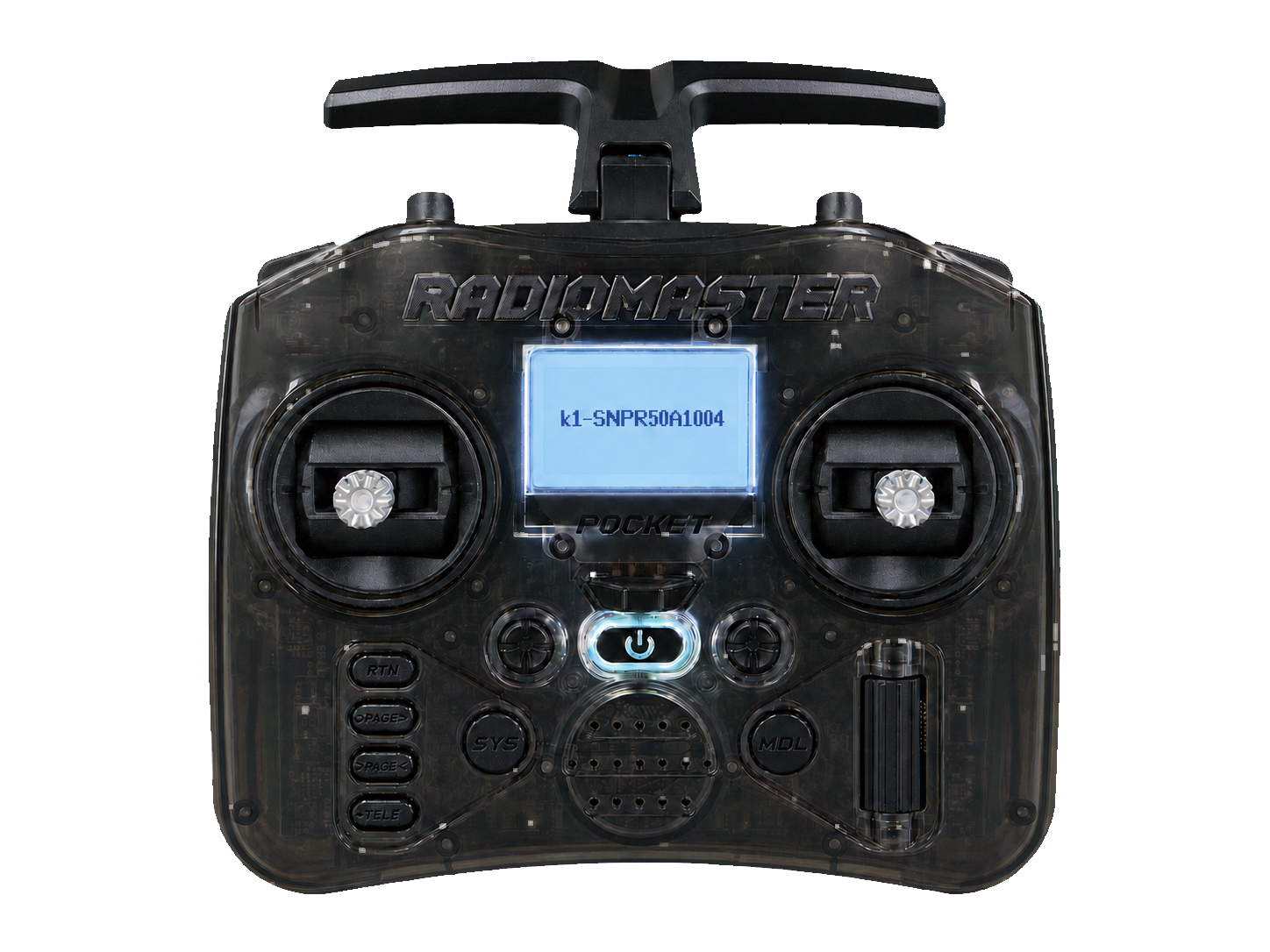
Check the robot serial number. It is printed on the back of the robot body and also appears on the controller LCD during startup. To display it again after startup, press the controller's
SEbutton once. In this example, the serial number is SNPR50A1004.
-
On your PC terminal, run:
ssh root@k1-SNPR50A1004.local
Replace SNPR50A1004 with your robot's serial number.
The root account has no password by default.