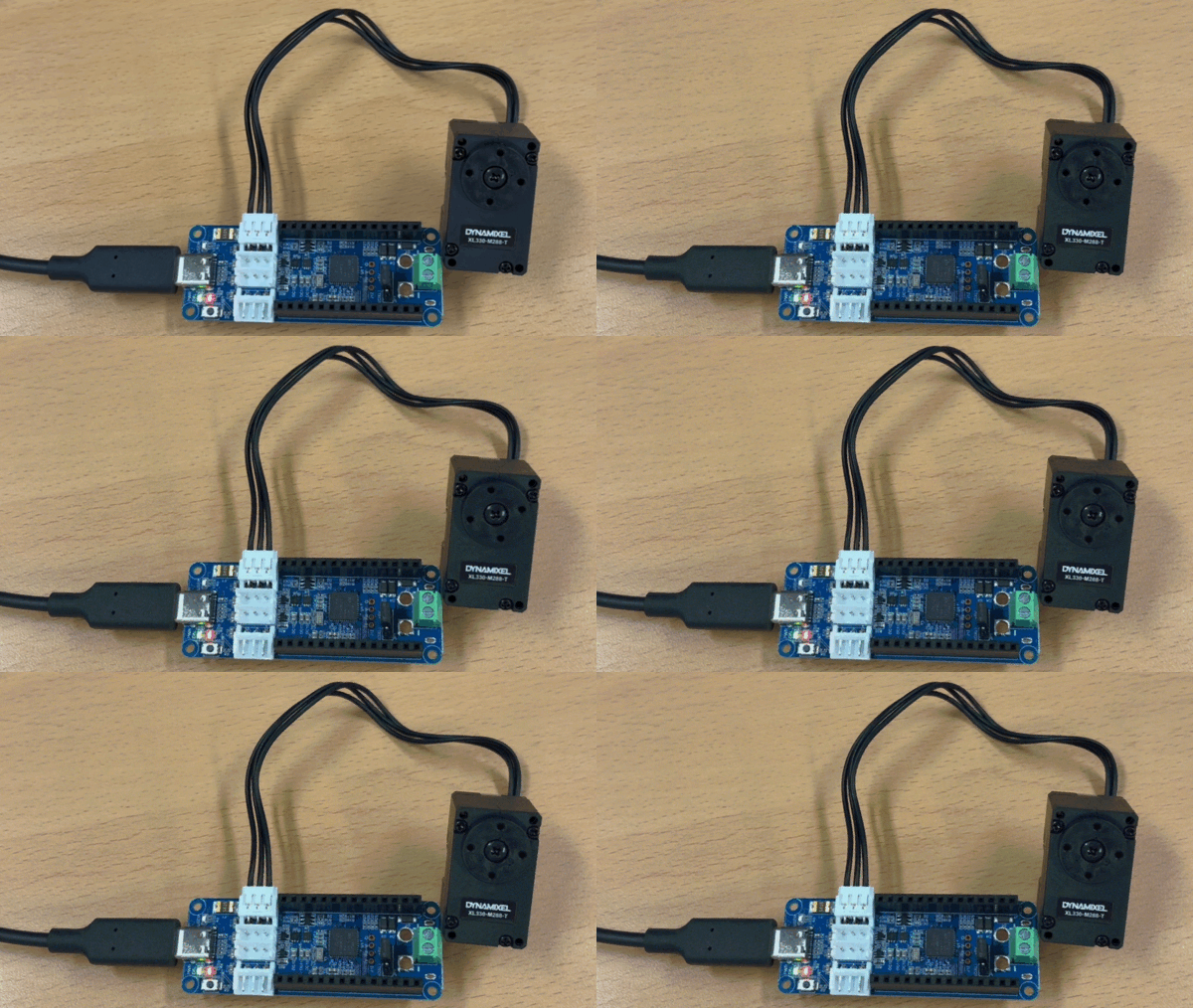
- In this chapter, you will use the Dynamixel Easy SDK with the OpenRB-150 Tutorial Kit to make the motor move.
Requirements
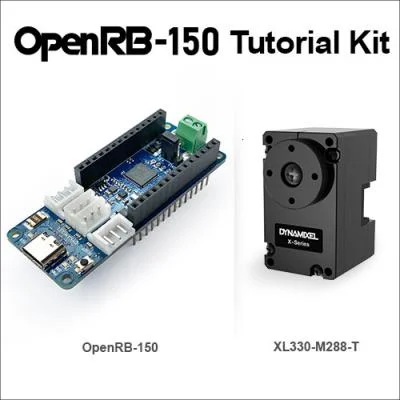
Download and Build SDK
- Download the latest version of the Dynamixel Easy SDK from the GitHub repository
git clone https://github.com/ROBOTIS-GIT/DynamixelSDK.git
- Python
- C++
- Enter the Python directory and install the SDK using pip
cd DynamixelSDK/python
pip install .
- NOTE: Also you can install the SDK directly using pip without cloning the repository.
pip install dynamixel-sdk
- Build the SDK by following the instructions below
cd DynamixelSDK/c++/build/linux64
sudo make install
- Successful output log:
mkdir -p ./.objects/
g++ -shared -fPIC -m64 -o ./libdxl_x64_cpp.so ./.objects/group_bulk_read.o ./.objects/group_bulk_write.o ./.objects/group_sync_read.o ./.objects/group_sync_write.o ./.objects/group_fast_bulk_read.o ./.objects/group_fast_sync_read.o ./.objects/group_handler.o ./.objects/packet_handler.o ./.objects/port_handler.o ./.objects/protocol1_packet_handler.o ./.objects/protocol2_packet_handler.o ./.objects/port_handler_linux.o ./.objects/connector.o ./.objects/control_table.o ./.objects/motor.o ./.objects/dynamixel_error.o ./.objects/group_executor.o -lrt
cp "./libdxl_x64_cpp.so" "/usr/local/lib/libdxl_x64_cpp.so"
ln -s "/usr/local/lib/libdxl_x64_cpp.so" "/usr/local/lib/libdxl_x64_cpp.so.2"
ln -s "/usr/local/lib/libdxl_x64_cpp.so" "/usr/local/lib/libdxl_x64_cpp.so.2.0"
ln -s "/usr/local/lib/libdxl_x64_cpp.so" "/usr/local/lib/libdxl_x64_cpp.so.2.0.0"
cp -r ../../include/dynamixel_sdk/* /usr/local/include/dynamixel_sdk
cp -r ../../include/dynamixel_easy_sdk/* /usr/local/include/dynamixel_easy_sdk
cp -r ../../../control_table /usr/local/share/dynamixel_sdk/
ldconfig
Hardware Setup
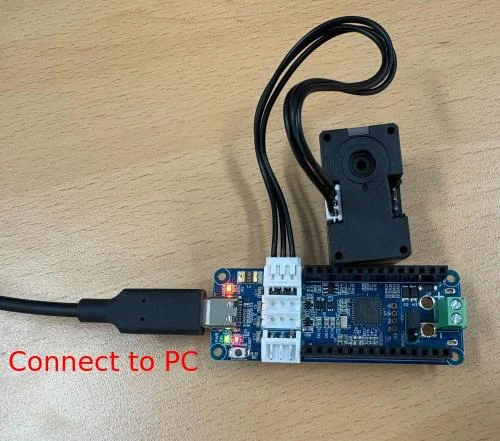
- Connect the OpenRB-150 to the Dynamixel using a TTL cable, and connect it to your computer using a USB-C cable.
Move Motor to target position
- Python
- C++
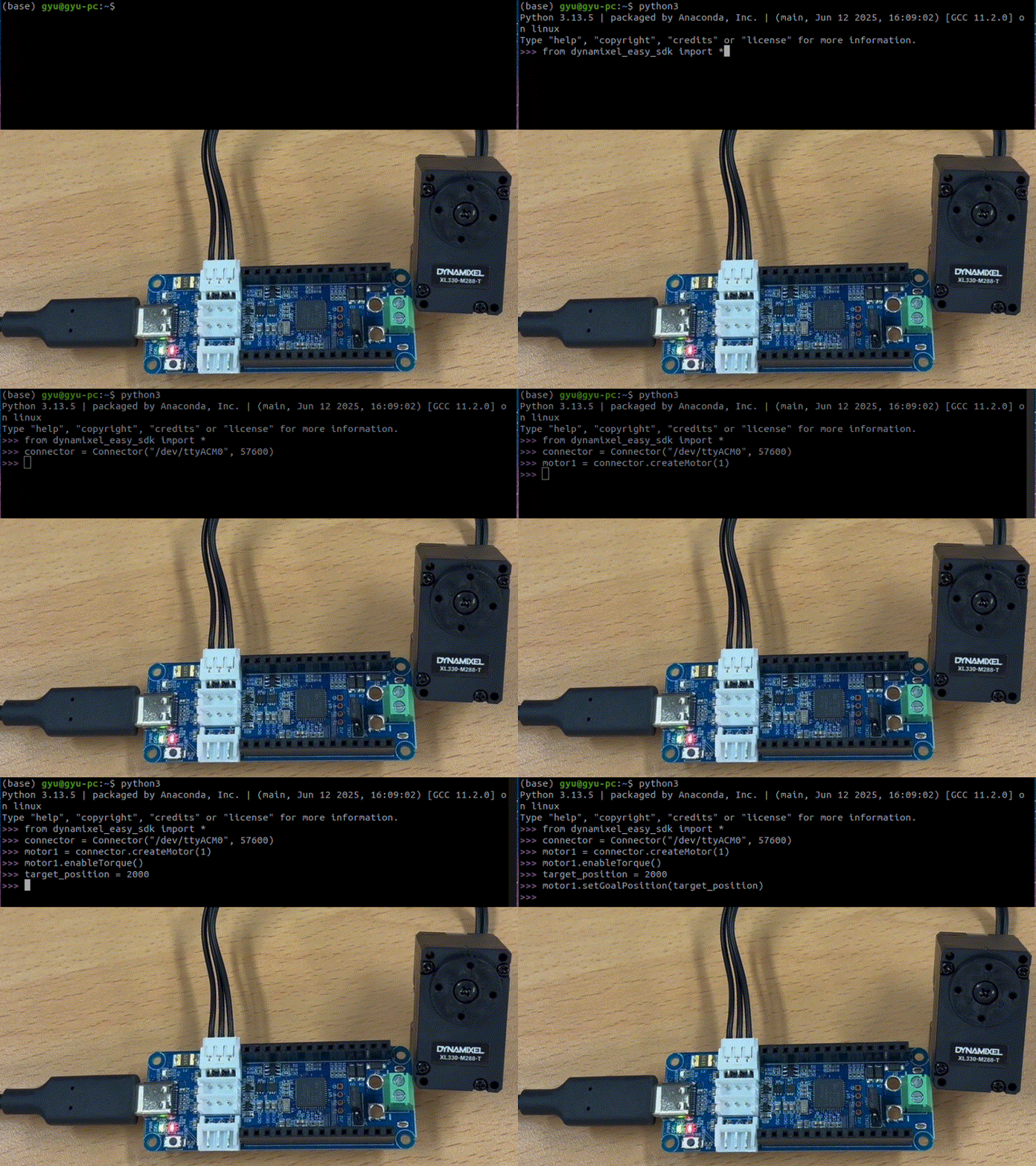
- Open a terminal and enter the Python interactive shell by typing
pythonorpython3.
python3
- Copy and paste the following code into the Python shell.
from dynamixel_easy_sdk import *
connector = Connector("/dev/ttyACM0", 57600)
motor1 = connector.createMotor(1)
motor1.disableTorque()
motor1.setOperatingMode(OperatingMode.POSITION)
motor1.enableTorque()
target_position = 2000
motor1.setGoalPosition(target_position)
- Create a new C++ source file named
move_motor.cppand open it in your favorite code editor.
touch move_motor.cpp
- Copy and paste the following code into the
move_motor.cppfile.
  #include "dynamixel_easy_sdk/dynamixel_easy_sdk.hpp"

  int main(){
    dynamixel::Connector connector("/dev/ttyACM0", 57600);
    std::unique_ptr<dynamixel::Motor> motor1 = connector.createMotor(1);
    int target_position = 2000;
    motor1->enableTorque();
    motor1->setGoalPosition(target_position);
}
- Build the
move_motor.cppfile and execute the compiled binary.
g++ -o move_motor move_motor.cpp -ldxl_x64_cpp
./move_motor