noVNC
noVNC lets you access a remote desktop on the robot PC through a web browser without connecting an HDMI monitor. Cyclo Manager starts a noVNC server container that provides its own desktop environment, where you can use graphical applications such as DYNAMIXEL Wizard 2.
Use the Remote Desktop
1. Start the noVNC Server
Open noVNC in the Cyclo Manager navigation. Click the start button in NOVNC SERVER at the top of the page to start the noVNC container. Wait for the server to start and the connection screen to appear.

2. Connect to the Desktop
Click Connect (연결 in the screenshot) to open the remote desktop.
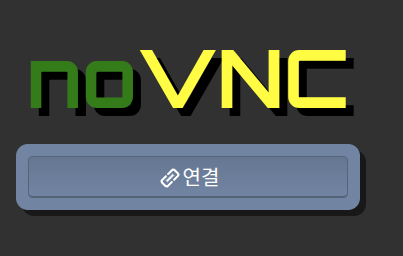
If a connection failure message appears just after starting the server for the first time, refresh the Cyclo Manager page and connect again.
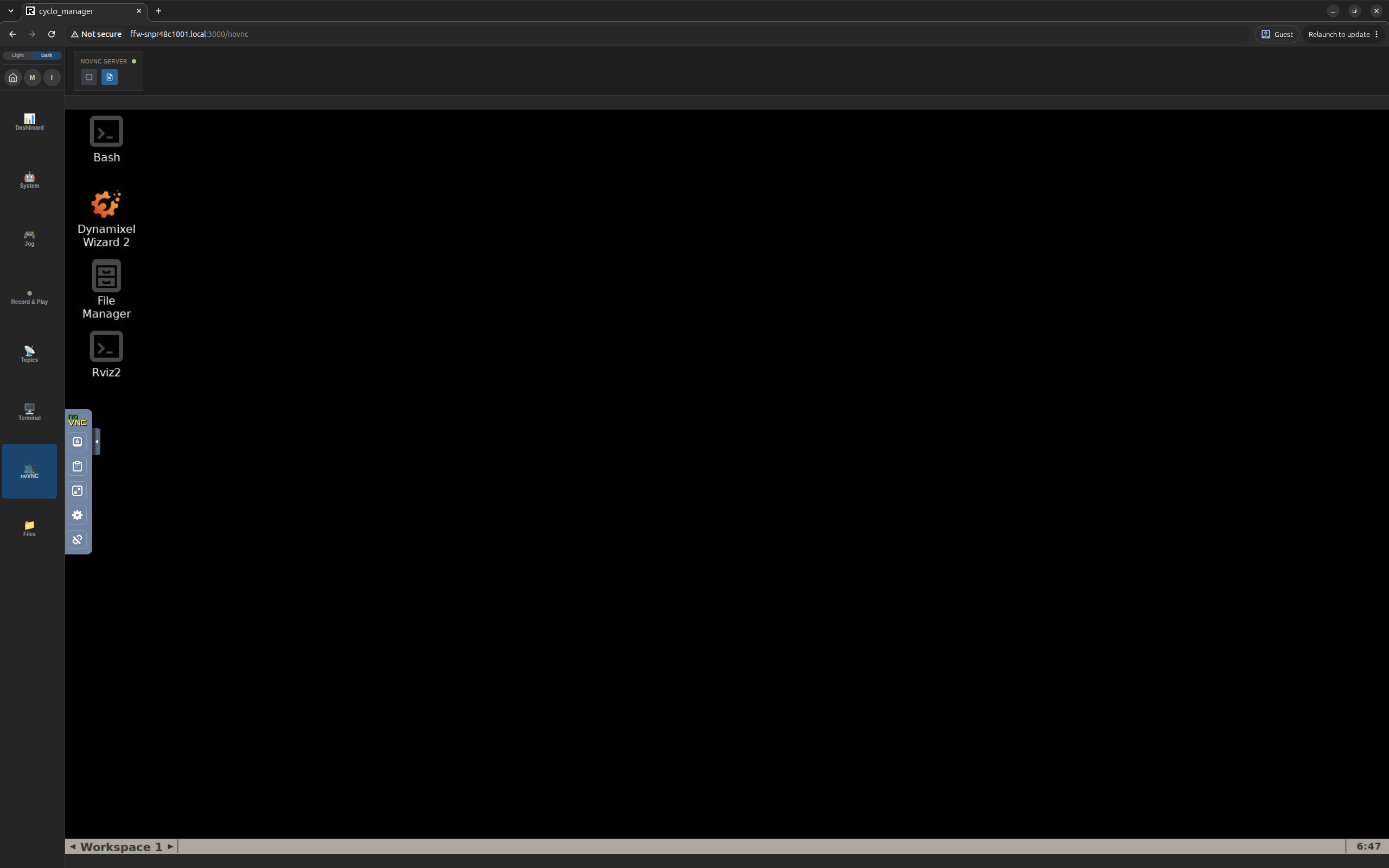
The remote desktop appears as shown below.
3. Open DYNAMIXEL Wizard 2
Open the Dynamixel Wizard 2 shortcut on the desktop to use DYNAMIXEL Wizard 2 in your browser. You can also open other installed tools from their desktop shortcuts.
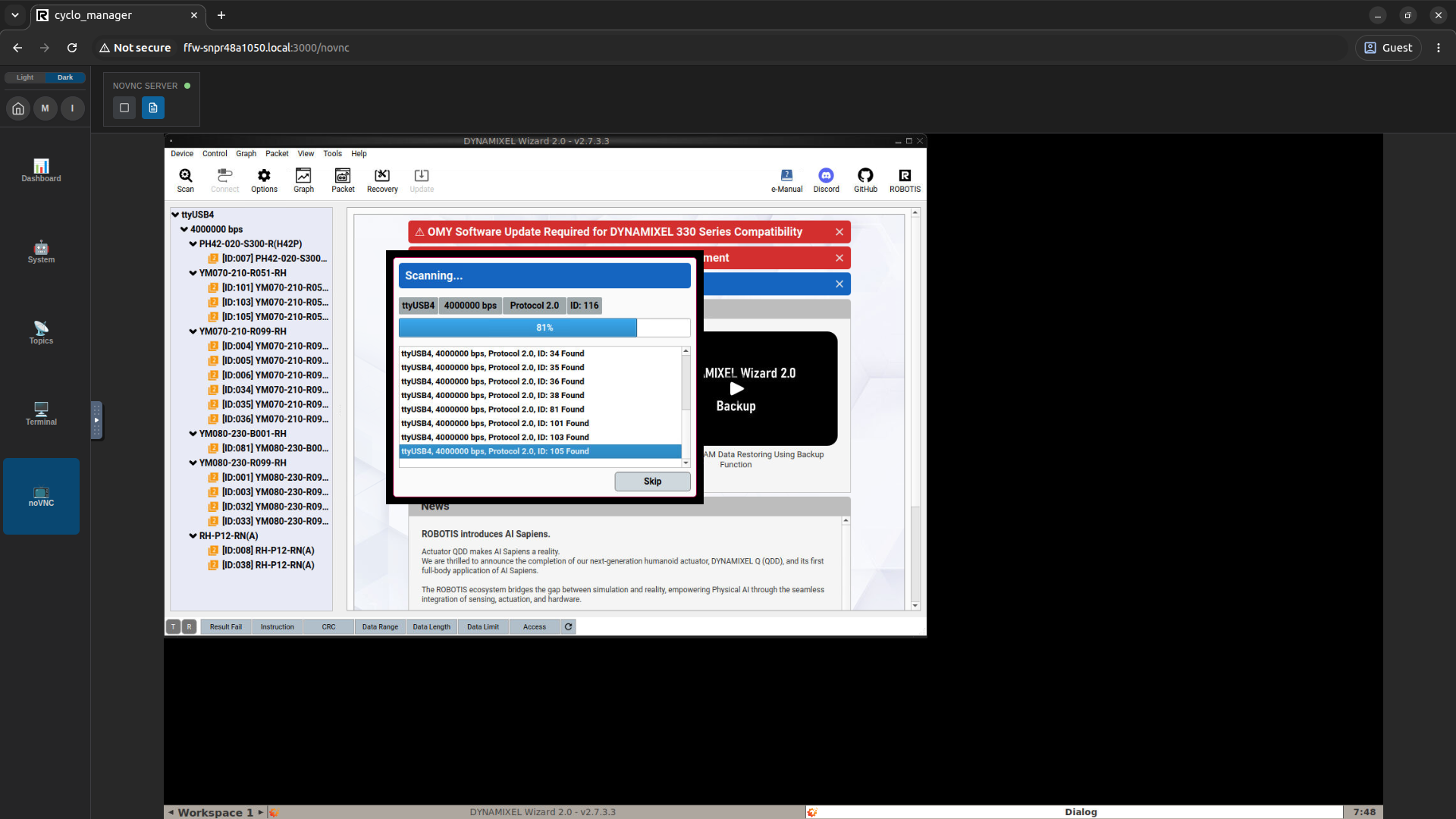
When finished, use the stop button in NOVNC SERVER at the top of the page to stop the noVNC container.