Jog
Use Jog to move supported robot joints and mobile bases from a browser.
Bring up the robot and make sure there is room for motion. Keep the emergency stop within reach. Stop leader publishing and other external motion-command sources before using Jog; Cyclo Manager does not arbitrate with external publishers.
Jog Controls
1. Open and Enable Jog
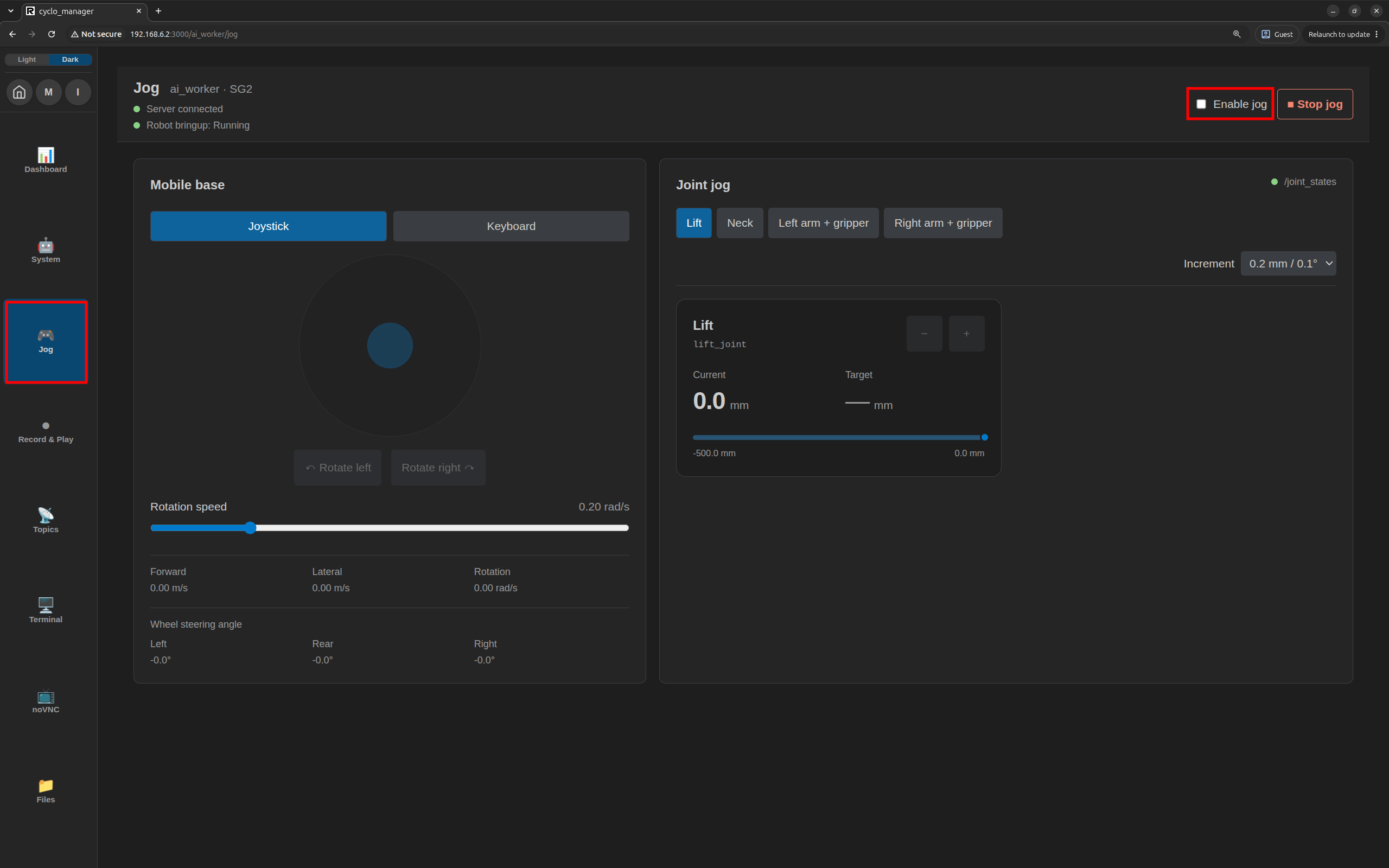
Select Jog and choose a running robot container if prompted. Check Server connected, robot bringup status, and joint feedback. Turn on Enable jog and wait for preparation to finish before moving.
2. Joint Jog
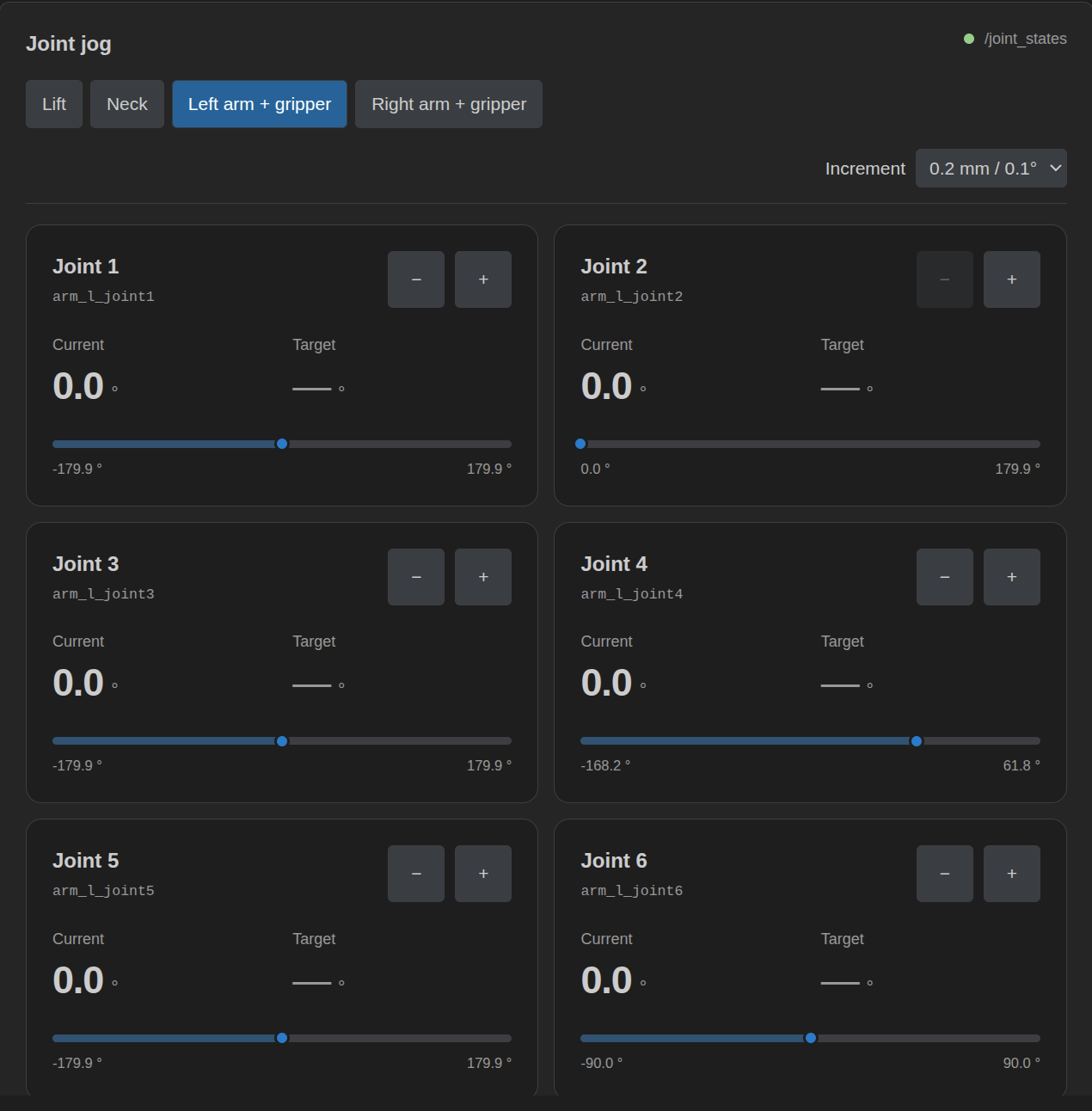
The joint list is built from supported position-controlled joints in the robot description (URDF). Cyclo Manager uses controller feedback to match each joint to its command topic. A joint can be displayed without a matching controller, but its controls are enabled only when the mapping and fresh joint-state feedback are available.
Select a joint group and use + or − to move an available joint. Choose an Increment for movement; the UI uses degrees for rotational joints and millimetres for linear joints. Current shows measured position and Target shows the commanded position. Release the control to stop sending new targets; the joint may finish moving to the last target.
3. Mobile Base
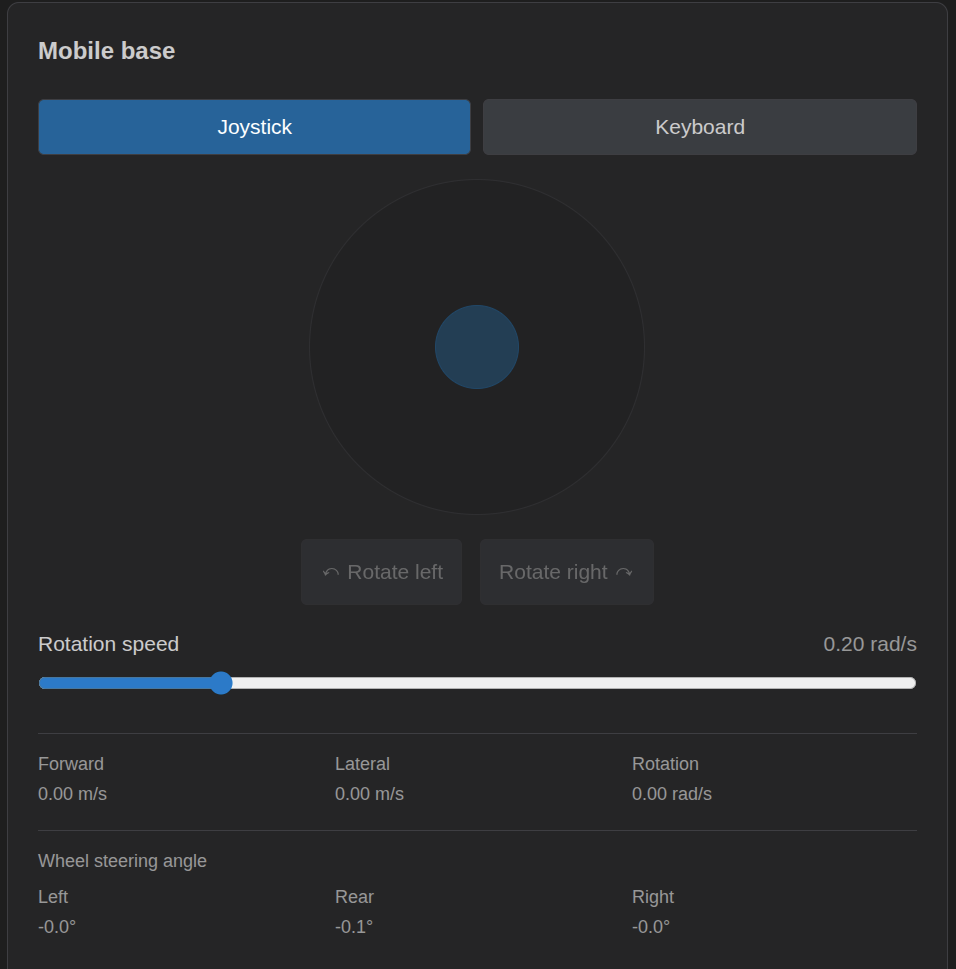
Mobile base controls are enabled when Jog is enabled and Cyclo Manager detects a subscriber for geometry_msgs/msg/Twist on the configured base command topic (normally /cmd_vel). This checks for a receiving node, rather than a specific controller name.
For supported mobile robots, use Joystick or Keyboard in the Mobile base panel. Drag the joystick to translate, use the rotation buttons to turn, and release to stop. Keyboard mode uses W/A/S/D or arrow keys for translation and Q/E for rotation; focus its control area first. Adjust the available speed settings as needed.
4. Stop Jog
- Click Stop jog to stop and disable Jog. You can also press Space outside editable controls.
- Jog stops and is disabled when the browser window loses focus or you switch to another browser tab.
- Leaving the Jog page also stops Jog.
Turn on Enable jog again before resuming control.