How to change system preferences in OS X?
Minimum System Requirements
- OS : Mac OS X 10.5 (or above)
- Hardware : Release after October 2007 (64 bit)
Follow the instuction to change system preferences.
-
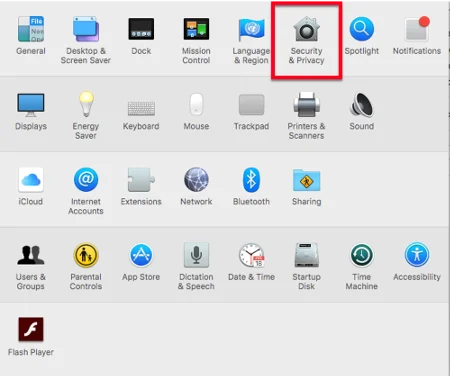
Open System panel from Launchpad or Dock.

-
Click on the Security & Privacy icon.
-
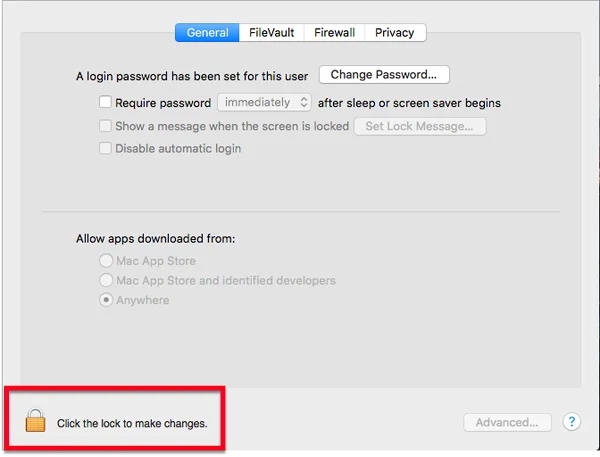
Click the lock icon and enter the password.

-
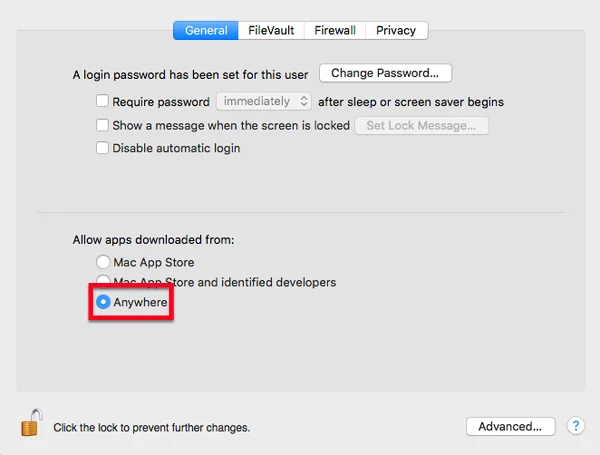
Select Anywhere, and retry the software installation.