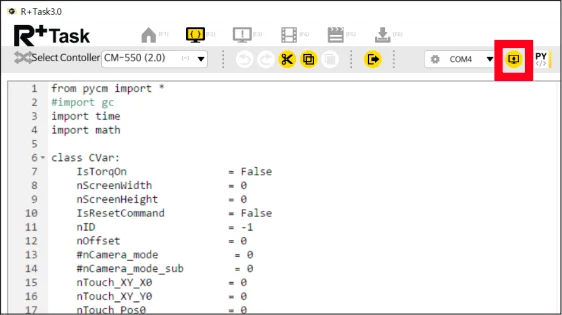
How to Download Python Example Source Code
-
Turn the CM-550 controller to (ON) after connecting to the battery or SMPS. After 5 seconds, LED light will blink and the controller will turn on.
-
Use Micro USB Cable to connect PC and the controller.
-
Run the R+ Task 3.0 on the PC, and from
ROBOTIS ENGINEERselectKIT2and download the robot configuration program file from the list.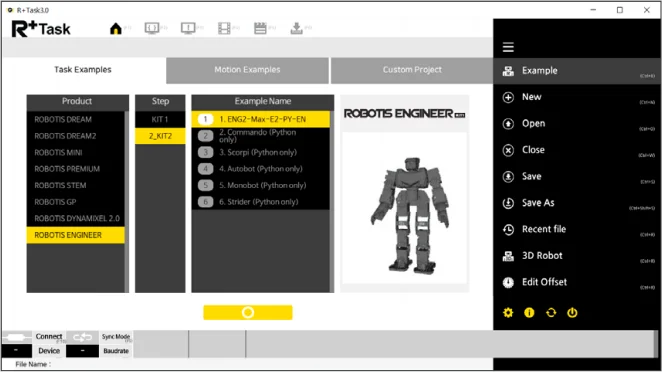
-
Check the example program code is open in the Python editor, then click
Select Device.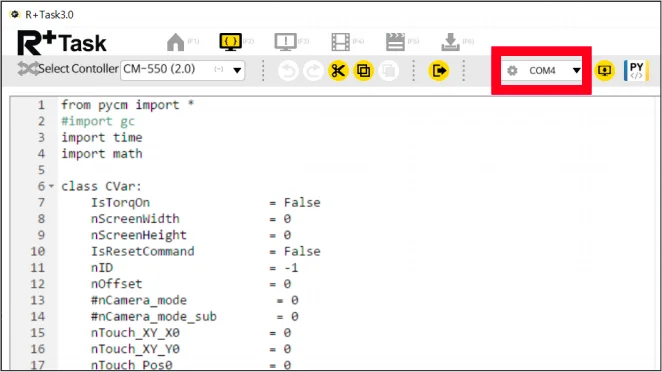
-
When the
Connect Robotwindow appears, tapRefreshto select the device and tapConnect.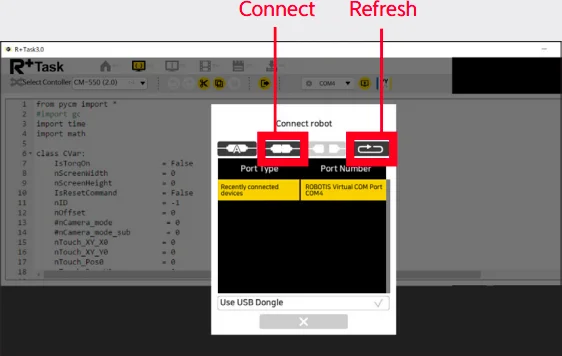
-
After the device connection is completed, press the
Downloadbutton displayed to download the robot configuration program to the controller.