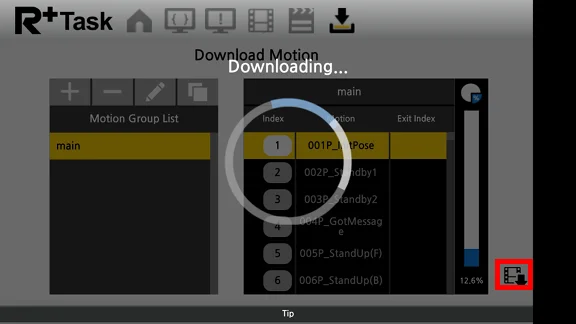
Motion Download (Smart Device)
-
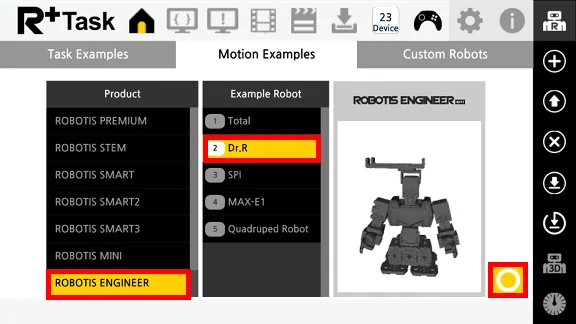
While CM-550 controller is connected to the R+ Task 3.0 app, go to Motion Examples tab and select the example to upload.
-
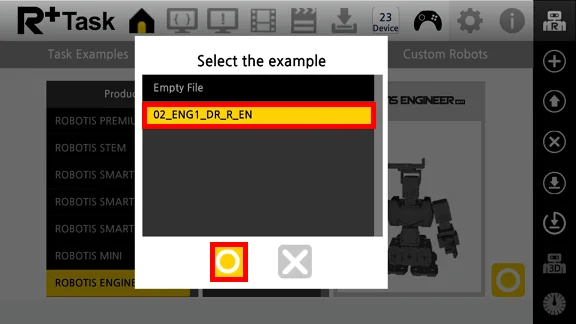
Select the example file in the Select the Example window.
-
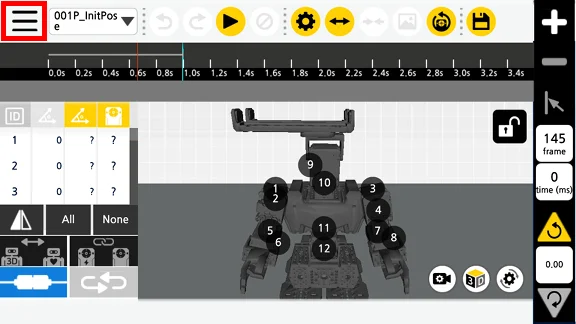
Press the menu button on the top left corner of the screen.
-
Select Motion Download tab.
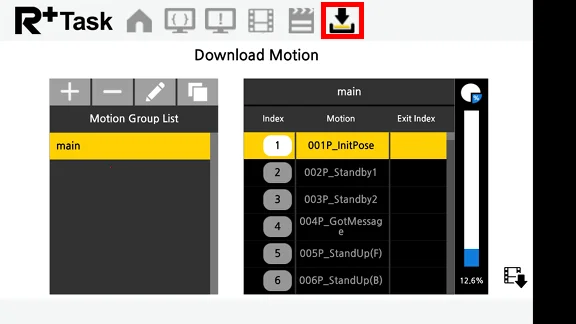
-
Press the
Motion Downloadbutton in the red box, selected motion file will be uploaded to CM-550 controller.