How to Connect CM-550 Controller to Mobile
In order to upload an example to CM-550 controller with R+ Task 3.0 app, the smart device and CM-550 must be paired with Bluetooth.
-
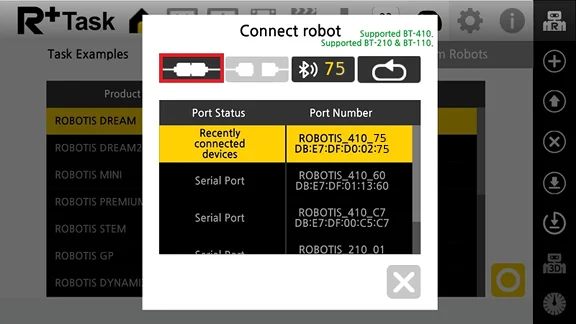
Launch the R+ Task 3.0 app from the smart device and press the button in the red box.

-
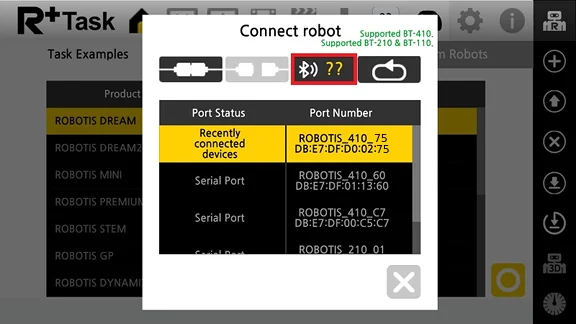
When
Connect Robotwindow pops up, press the Bluetooth search button in the red box.
-
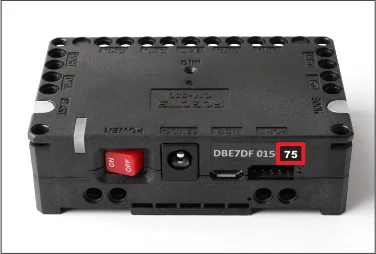
Find the BLE MAC address of the CM-550 controller.
-
Enter the last two characters of BLE MAC address in the left box.
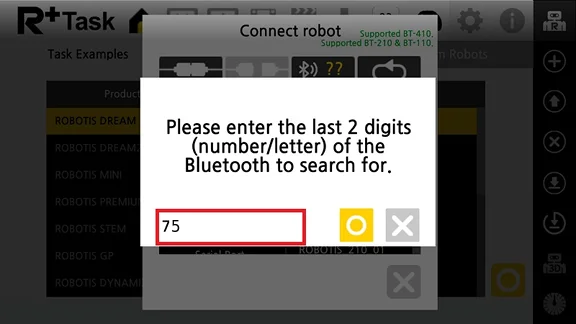
-
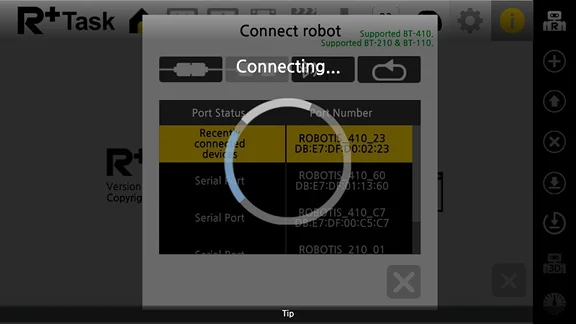
Select the BLE MAC address from the search list.